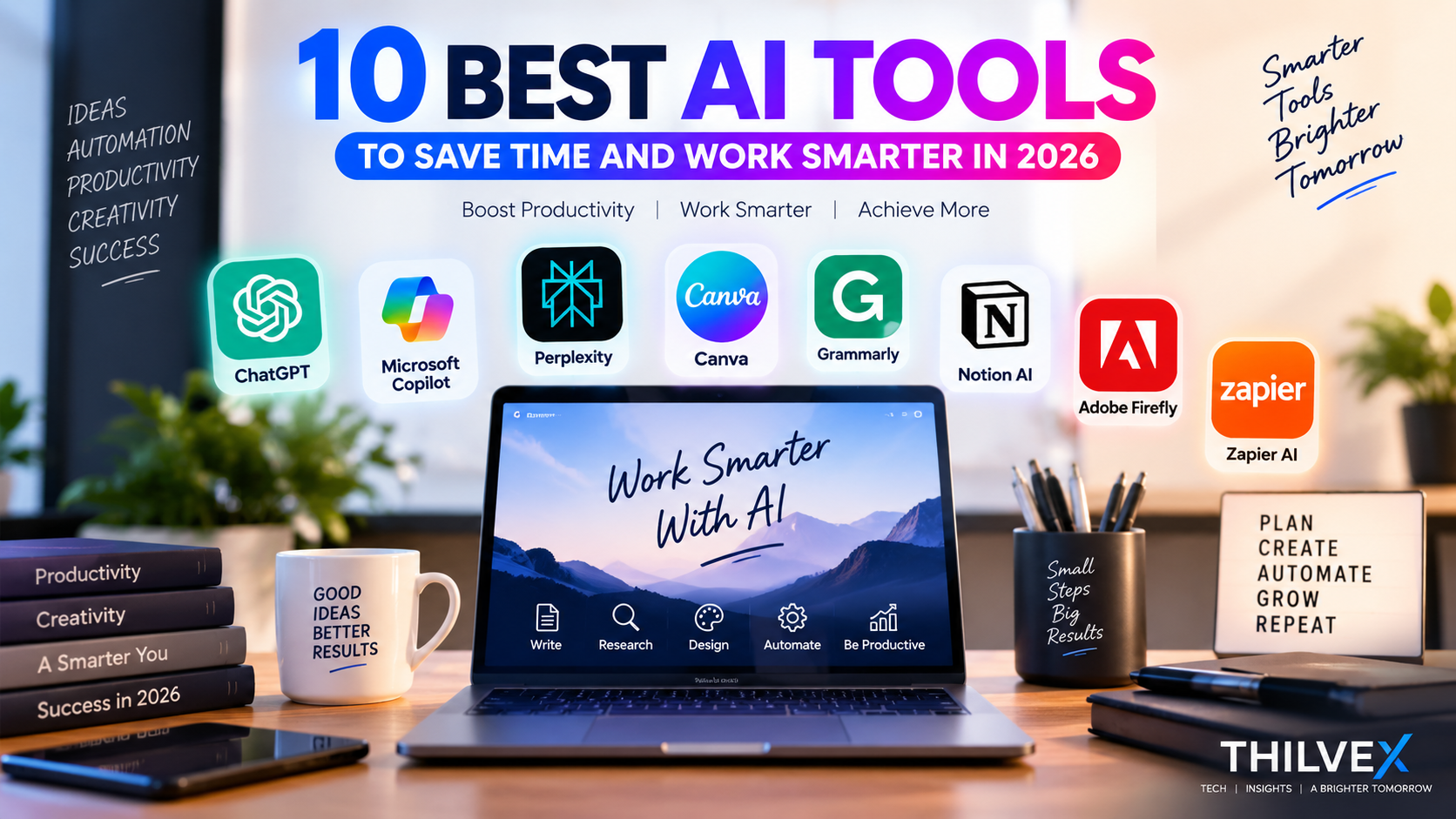
Artificial intelligence is changing the way we work, learn, and manage everyday tasks. The right AI tools can help you save time, improve productivity, create better content, and make smarter decisions.
In this guide, we explore 10 useful AI tools in 2026 and explain what each tool can do, who it is best for, and how it can help you work smarter.
What Makes Good AI Tools?
A good AI tool should do more than generate impressive results. It should be easy to use, reliable, useful for real tasks, and able to save you time. The best choice also depends on your needs, such as writing, research, productivity, design, or business work.
1. ChatGPT – Best All-Round AI Assistant
ChatGPT is a versatile AI assistant that can help with writing, brainstorming, research, coding, summarizing information, and everyday productivity tasks. It is useful for students, professionals, business owners, and anyone who wants to complete tasks more efficiently.
Best for: Writing, research, brainstorming, coding, and general productivity.
2. Claude – Best for Writing and Analysis
Claude is an AI assistant developed by Anthropic that is particularly useful for writing, analysis, summarizing documents, and handling complex instructions. It can help professionals, students, and business users analyze information and create clear, well-structured content.
Best for: Writing, document analysis, summarizing, research, and complex tasks.
3. Google Gemini – Best for Google Users
Google Gemini is an AI assistant from Google that can help with writing, research, brainstorming, summarizing information, and generating ideas. It can be especially useful for people who already use Google services and want AI assistance as part of their everyday workflow.
Best for: Google Workspace users, research, writing, brainstorming, and everyday productivity.
4. Microsoft Copilot – Best for Microsoft 365 Users
Microsoft Copilot is an AI assistant from Microsoft that can help with writing, summarizing, research, brainstorming, and everyday work. It can be especially useful for people who regularly use Microsoft 365 applications such as Word, Excel, PowerPoint, and Outlook.
Best for: Microsoft 365 users, writing, Excel, PowerPoint, Outlook, and workplace productivity.
5. Perplexity – Best for AI-Powered Research
Perplexity is an AI-powered search and research tool that combines conversational answers with information from the web. It can help users explore topics, find relevant sources, compare information, and get quick answers to research questions.
Best for: Web research, finding sources, comparing information, and fact-based questions.
6. Canva AI – Best for AI-Powered Design
Canva AI combines design tools with artificial intelligence to help users create presentations, social media graphics, images, and other visual content more efficiently. It can be useful for beginners as well as professionals who want to create attractive designs without advanced graphic design skills.
Best for: Social media graphics, presentations, images, marketing content, and simple visual designs.
7. Grammarly – Best for Writing Improvement
Grammarly is an AI-powered writing assistant that helps improve grammar, spelling, clarity, tone, and overall writing quality. It can be useful when writing emails, reports, articles, business documents, and other professional content.
Best for: Grammar checking, professional writing, emails, reports, and improving clarity.
8. Notion AI – Best for Productivity and Organization
Notion AI is an AI-powered workspace assistant that can help users organize information, summarize notes, write content, brainstorm ideas, and manage tasks. It can be useful for individuals and teams who want to keep their work and information organized in one place.
Best for: Task management, note-taking, organizing information, and team productivity.
9. Adobe Firefly – Best for AI Image Creation
Adobe Firefly is a generative AI tool from Adobe that can help users create and edit images using text prompts. It can be useful for generating visual ideas, marketing graphics, creative images, and other design content.
Best for: AI image generation, creative ideas, marketing graphics, and visual content.
10. Zapier AI – Best for Automation
Zapier AI helps users automate repetitive tasks by connecting different apps and services. It can be used to create automated workflows, move information between applications, send notifications, and reduce manual work. This can be especially useful for businesses and professionals who want to save time and improve productivity.
Best for: Workflow automation, connecting apps, repetitive tasks, and business productivity.
How to Choose the Right AI Tool
The right AI tool depends on your goals, workflow, and the type of tasks you want to improve. Some tools are better for writing and research, while others are designed for design, organization, automation, or business productivity. Start with the tools that match your daily needs and focus on those that genuinely save time and improve your work.
Before choosing an AI tool, consider its features, ease of use, pricing, privacy, and how well it fits into your existing workflow.
Final Thoughts
AI tools can make everyday work faster, easier, and more organized when they are used for the right tasks. The tools in this list cover different needs, including writing, research, design, productivity, and automation. Explore the options that match your workflow and choose the tools that provide real value for your work.The best AI tools are the ones that fit your needs and make your daily work easier.
Leave a Reply